Annual IT Maintenance

Five Signs Your Business Needs IT AMC in Dubai (1)

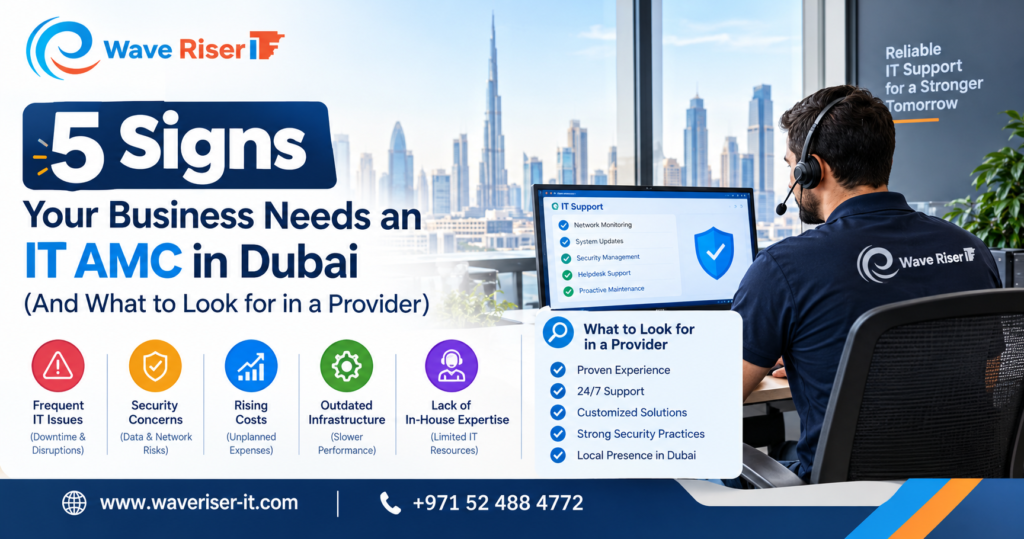
5 Signs Your Business Needs an IT AMC in Dubai (And What to Look for in a Provider)

No one is ever prepared for IT issues. They occur at the absolute worst time: right in the middle of a client presentation, during month-end closing, or even on launch day. Your email server crashes, you can’t access the shared drive, and in the blink of an eye you’ve got a talented team of professionals, twiddling their thumbs, waiting for technology they should never have to consider.  Most companies accept this as inevitable. It isn’t. It’s the atrophied end of continuous reactive care that oversees systems until they a) fail or b) are exploited or compromised. An IT annual maintenance contract in Dubai is the cure for that perpetual cycle.  Here are five signs that reactive IT is a cost you don’t realize.  Sign #1: Your Team Has Accepted “Waiting” What it feels like: Logins require a minute or so. The system pauses for a few seconds every couple of minutes. There’s somebody in the office who’s always got a go-to fix, invariably “reboot it,” that gets it back on track. No one even mentions any of these things anymore.  Why it matters: It feels small when it happens, but together the effect is huge. Ten seconds are lost here and there, totaling weeks of lost productivity every week, and you don’t bill for it. Slowdowns can be the first sign of trouble: a server with a bunch of low disk space, aging hardware, or high network utilization doesn’t often crash without first slowing down.  The AMC fix: With Wave Riser IT, we take a proactive approach to support. We continually keep your systems under watch with regular health checks. Rather than you telling us there is a problem, we alert you to the early warning signs, then we tune the hardware, run the updates, and resolve performance issues before your team must put up with them.  Sign #2: Your IT Budget Is Full of Surprises What it feels like: Your laptop goes belly up, and you need a replacement now. Your server crashes, and you have to call out a premium-rate engineer. A component fails during the out-of-hours and costs you more to repair. All these expenses appear unexpectedly, with no time to budget.  Why it matters: When IT expenditures are erratic, it’s hard for financial leaders and teams to set up and stick to a budget. You’re paying for these emergency buys above and beyond the cost of the planned buy since you’re under a time crunch and unable to compare prices. And the cost of that downtime is generally greater than the actual repair.  How does the AMC fix: A Dubai IT AMC service fixed regular annual contract transforms spread costs into a recurring budget line. You always know what you’re going to pay for IT support every single year, no unexpected bills, and no emergency buying trips in the middle of the night. Pre-emptive support also reduces the number of emergencies you’ll have, too.  Sign #3: Nobody Knows What Was Updated—or When What does it feel like: “Fully patched?” really means “we reckon.” Are licenses current? Not sure. Is a device on a shelf somewhere? Could have expired. Staff is using an out-of-date device that is no longer supported? Oh, that’s been taken off the shelf; I don’t know when or by whom.  Why it matters: This is a coverage issue, and coverage issues become protection issues. Outdated software programs and missed patches are some of the most typical avenues hackers use to acquire entry to enterprise networks—these recognized vulnerabilities stay accessible until someone installs a fix. Lapsed licenses can get you into compliance-related hassle and result in sudden service interruption. And with no checklist of your gear, you’ll be unable to plan replacements, and you will be compelled into transient buys (take a look at Sign #2).  The AMC fix: Software and license management and IT asset management keep you on top of your technologies and ensure you’re aware of what you have, the condition it’s in, and what needs doing. Updates, patches, and licenses can be applied on a timetable, not on a whim—and reports are centralized, so you’re never left in the dark.  Sign #4: Security and Compliance Keep You Up at Night What it feels like: You hear about breaches occurring to other organizations and are left wondering if it could happen to you. A customer or partner wants to know what you are doing about your security, and you’re not certain whether you should be concerned or feel safe. The compliance process is becoming more complex and time-consuming.  Why it matters: The spaces between patching, monitoring, and hardware maintenance are where the danger lies because of high expectations in cybersecurity. Security is not simply about antivirus programs, firewalls, and security procedures. It is about the regular routine that helps keep a process current and monitored. A business enterprise may have very good safety equipment but still be prone if the person is not retaining and monitoring the surroundings all over them.  Security oversight and compliance with the AMC solution: Security monitoring and compliance support are included in the scope. Wave Riser IT’s team has knowledge of ethical hacking and provides a straightforward report on vulnerabilities, severity, and recommendations for remedy. This ensures your organization is ahead of compliance requirements, instead of the organization reacting to them, and provides you with tangible assurance for customers, partners, and auditors.  Sign #5: Your Internal Team Is Stuck Firefighting What it feels like: Your IT guy (or that other “computer whiz” at work) spends all day resetting passwords, dealing with printer errors, and fixing the same problems over and over again. Those projects that could really make a difference to the business, such as enhancing systems, automating processes, or thinking about the future, keep being deferred to “the next quarter.”  How it impacts you: Repairs happen, but they usually don’t help your business to progress. If good teams are using up their time fixing your cars, you’re paying for expertise and getting put off.

5 Signs Your Business Needs an IT AMC in Dubai (And What to Look for in a Provider) Read More »
S_MIME Secure Email Guide

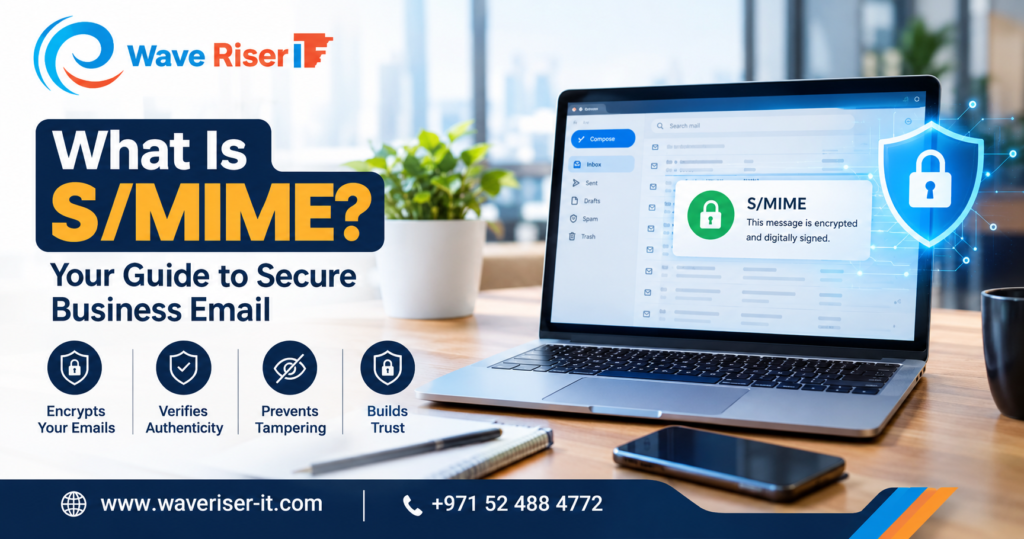
What Is S/MIME? Your Guide to Secure Business Email

This is important given that companies rely on email as the means of transmitting customer data, invoices, contracts and other legal papers. But regular email was not designed to keep messages private. Messages could be exposed, altered or made to appear as if they came from someone else during the trip. Since phishing, impersonation, and data breaches are all increasing, securing business email is a must. S/MIME (Secure/Multipurpose Internet Mail Extensions) is a mature and established protocol for email security, supported by many popular email services. WaveRiser IT helps businesses adopt it. What Is S/MIME? S/MIME is an email security protocol that uses digital certificates to do two things: Encrypted emails so only the recipient can read them Signs your email, allowing the recipient to verify its source and ensure nothing has been altered while in transit Sometimes, you may find it as SMIME or S MIME. It’s all the same protocol and has been used in secure business communications for quite some time now. Confidential information sharing organizations use it extensively. This includes law firms, hospitals, accounting practices, financial institutions, government contractors, etc. How Does S/MIME Work? At its core, S/MIME is an application of public-key cryptography. Every user is assigned a pair of keys: A public key that is distributed to the public and known to other entities. A private key, that is kept private and not exposed to others. These keys are what enable both S/MIME features. Email Encryption In an encrypted email, your email software uses the recipient’s public key to encrypt the message including any attachments. The encrypted email/message is sent over the internet. The encrypted message can only be decrypted with the recipient’s private key. In case anyone intercepts the message on the way, all they will get is junk message. That helps keep confidentiality from the second you hit send. Digital Signatures When you sign a message, your e-mail client uses your private key to generates a unique digital signature for the message. It the signature your recipient’s email client, which will then use the public key to verify that signature. With this feature in use, the recipient can be sure of two things: that you are the one who sent the message and that it has not been tampered with in the interim. In conjunction with digital signatures, encryption is what affords privacy and authenticity while also guarding against any alteration of the message. S/MIME’s protections render it a secure choice for email.   Key Benefits of S/MIME Email Privacy Improvements Only authorized recipients can decrypt the emails as well as any attachments included in the communication. Data Message Integrity When a digital signature is applied to an electronic document, any alterations made to the data after it was sent will be detected by the verification process. Identification of Senders The signing of the email allows confirming that the email message is indeed from a specific person since there is no way to forge the message and apply the signature of your certificate to it. Minimizing Phishing Threats Even if S/MIME doesn’t eliminate all phishing threats, it certainly provides reliable means for verifying the sender’s identification and reducing the possibility of being involved in various email frauds. Support for Compliance There are a number of industries that have to ensure the protection of their clients’ information and communication. S/MIME is one such security technology that can help achieve compliance. Different sectors may have different compliance needs; hence, you should always check on what your company needs. Higher Customer Trust The customers prefer working with those companies that ensure privacy. Signed emails can be a good indicator for this purpose. Why S/MIME Matters for Growing Businesses E-mail is a popular target for cyberattacks, and business e-mails frequently include sensitive business information. One message that’s intercepted or falsely sent in your name could result in: Fraudulent payment requests and financial losses Exposure of customer or staff information Legal challenges or regulatory fines Long-term harm to your business’s reputation There is a certain power to the email protection S/MIME provides. It keeps private information safe and staves off expensive data breaches, all while putting customers, partners and regulators at ease by showing your commitment to their security. How to Set Up S/MIME Setting up is usually less difficult than businesses realize. First, download a digital certificate. Get an S/MIME certificate from a dependable Certificate Authority (CA). Certificates are generally issued per email address and some CAs provide enterprise solutions for handling a large number of users at a time. Install it in your e-mail client. Microsoft Outlook, Apple Mail, and a number of popular e-mail clients and S/MIME are directly compatible. Import the cert aswell as enable it to sign/encrypt on your account. Share public keys. You need the recipient’s public key in order to email them that you encrypted. An easy way to get it: they send you a digitally signed mail (their signature contains the public key). Your email client can then save it automatically. Create clear internal policies. Decide on emails that should be signed, encrypted and select the email certificate manager(s) for your organization. Your staff should be trained on the appropriate and necessary use of S/MIME. Consider certificate management. There are times when certificates must be let to run their course or even revoked outright, for instance in the event of an employee’s departure or a stolen machine. Don’t know how to start? Leave everything to us at WaveRiser IT. We’ll take care of all tasks such as certificates installation, email client configuration, policies installation and employee training. S/MIME Best Practices Sign all outgoing business email, and encrypt anything that contains sensitive data. Back up your private keys securely. In the case of the key loss, you may lose access to your encrypted mail. Renew certificates before their expiry to maintain uninterrupted service. Revoke the certificate if the device is compromised or the employee leaves Secure your private key with a password, or even better, in hardware. Educate your

What Is S/MIME? Your Guide to Secure Business Email Read More »

Scroll to Top